
When your iPhone, iPad, or MacBook needs repair, choosing between a low cost repair option and a professional service can often feel confusing. Many users are naturally drawn toward cheaper repairs because they appear to save money in the short term. However, the difference between low cost repairs and professional service goes far beyond price. Factors such as the quality of parts used, technician expertise, safety standards, and long term device performance play a major role in the overall outcome. Understanding how these two options compare helps you make a smarter, more informed decision that protects your device, reduces future repair risks, and ensures reliable performance over time.
Table of Contents
Quality of Parts and Repair Standards
One of the biggest differences between cheap repairs and professional service is the quality of parts used. Low cost repair shops often rely on cheaper components to reduce pricing. Although these parts may look similar, they may not deliver the same performance, durability, or safety as high quality replacements.
Professional service centers focus on using reliable, company approved parts that maintain device performance and reduce the risk of recurring issues. Choosing quality components helps protect your device and ensures smoother performance over time.
Technician Expertise and Handling
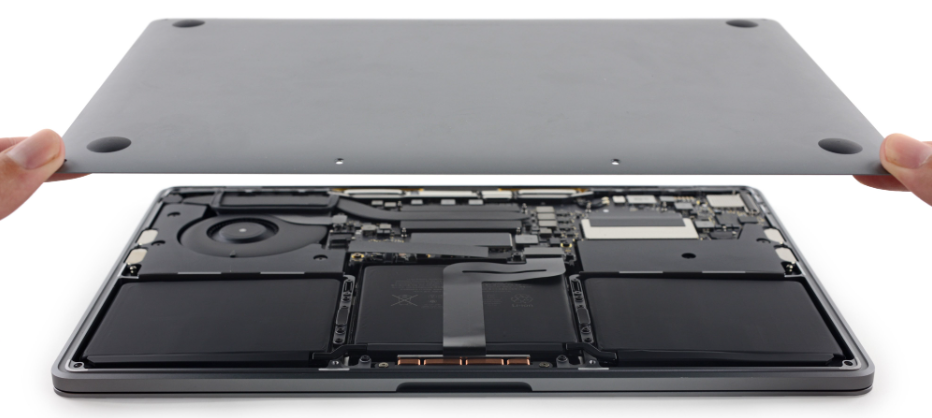
Apple devices are designed with compact internal structures that require precision and technical knowledge. Cheap repairs may involve inexperienced handling or shortcuts that increase the risk of internal damage. Issues like loose connectors, damaged cables, or improper installation may not be visible immediately but can lead to bigger problems later.
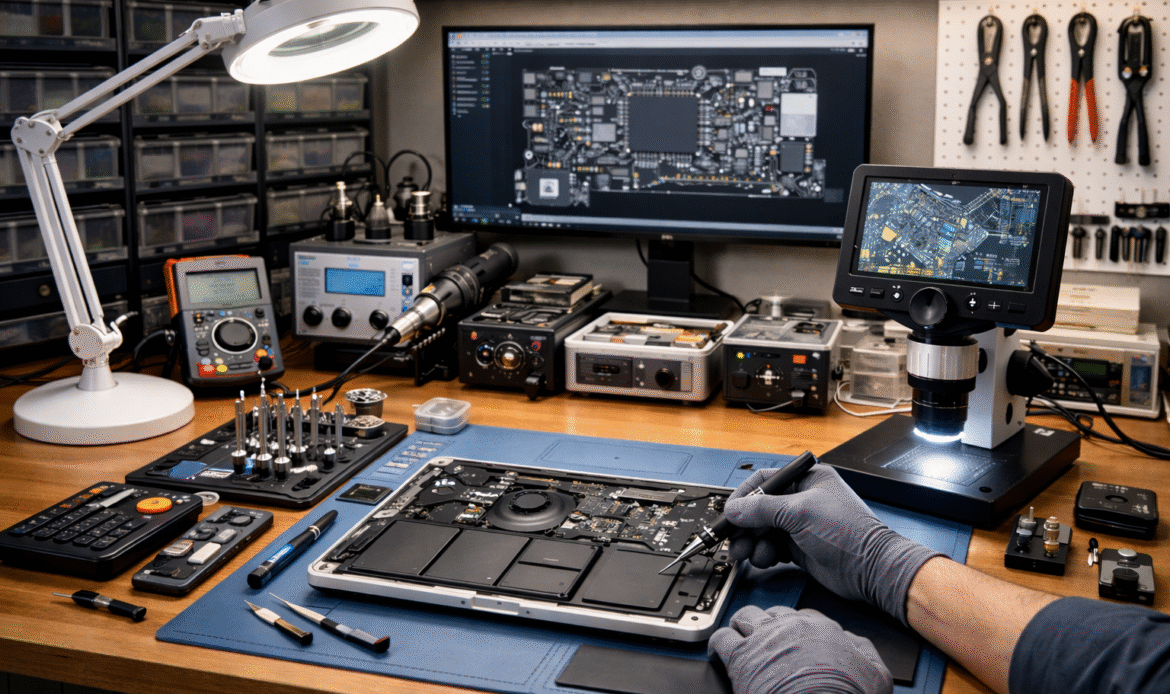
Professional technicians follow proper repair procedures, use the right tools, and handle devices carefully to avoid unnecessary risks. This ensures repairs are done safely and correctly the first time.
Testing and Quality Checks
Many low cost repair services focus on speed and minimal cost, which often means skipping detailed diagnostics and post repair testing. Without proper testing, hidden issues may remain unresolved, leading to repeated visits for the same problem.
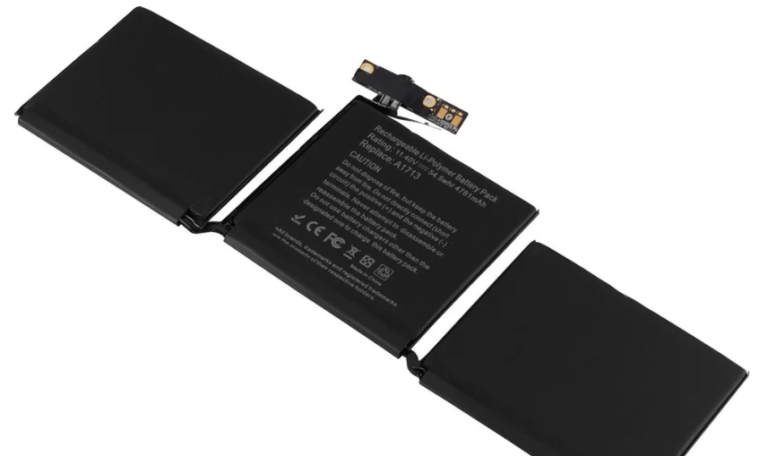
Professional service includes complete testing after repair to confirm charging performance, battery health, display functionality, and overall system stability. These checks help ensure the device is returned in reliable working condition.
Warranty and After Service Support
Another important difference is the level of support provided after the repair. Cheap repairs often come with little or no warranty, meaning you may have to pay again if the issue returns.
Professional service centers usually provide warranty coverage on repairs or parts, giving customers added confidence and long term peace of mind.
Short Term Savings vs Long Term Value
While cheap repairs may look attractive at first, repeated issues, reduced performance, and potential internal damage can make them more expensive in the long run. Professional service may cost slightly more upfront but offers better reliability, safer repairs, and longer lasting results.
Looking for Apple Repair Experts?
When it comes to Apple devices, choosing experienced professionals makes a real difference. Skilled technicians, proper diagnostics, and quality parts help ensure your device is repaired safely and performs reliably after service. Whether it is a battery issue, display problem, or performance concern, expert handling helps avoid future complications and unnecessary costs.
Why Choose iPro Care?
At iPro Care, we focus on providing professional Apple device repairs with attention to quality and precision. Our technicians follow proper repair standards, use reliable parts, and perform complete testing to ensure your device works smoothly after service. With transparent processes, trusted expertise, and customer focused support, iPro Care aims to deliver repair solutions you can rely on for long term performance.
Enquire About Your Repair
Leave Us Your Details & We Will Call You