
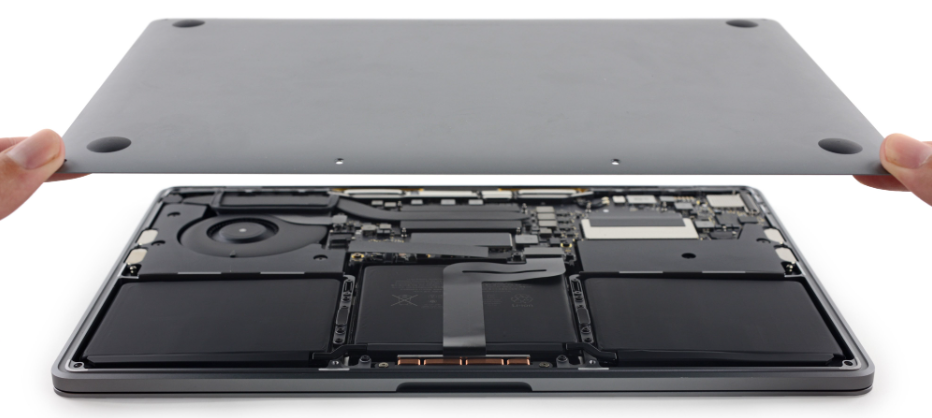
If an Apple product such as iPhone, iPad or MacBook is damaged, most people look for the cheapest repair option.
Many low-cost repair stores focus on fast, cheap fixes and often ignore the importance of properly addressing problems such as damaged screens, drained batteries, or faulty charging ports.
Nevertheless, the possible reasons why the cheapest way to repair an Apple product often ends up generating costly mistakes in the end are as follows.
Poor Quality Components Impact Device Life
Many low-cost repair shops often use poor-quality or fake repair parts.
While such components appear to be like original repair parts sold by Apple, they resist the manufacturer’s standards of functionality, longevity, and safety.
When repair shops use low-quality parts, your screen may lose touch functionality, your battery may drain faster, and your internal components may fail.
You would end up repairing your device several times if your screen loses touch functionality, your battery drains quickly, or your internal components fail.
Risk of Internal Damage During Repair
Due to the accurate engineering of these products by Apple, the repair of these products requires the necessary equipment and expertise.
The local repair shops might not have the necessary professional equipment and staff.
As a result, during the time of the repair, storehouse parts like connectors, sensors, and logic boards might end up being damaged.
The above damages might not be apparent immediately but might appear after a couple of weeks and entail costly repairs.
Loss of Apple Support & Warranty
One of the largest hidden costs of low-cost repairs is the voiding of your Apple warranty or AppleCare service.
Apple clearly states in their policies that using any non-Apple parts or non-approved service could mean the end of any future services for your device.
This is an indication that, in the event of a major problem, Apple will not repair it, and the owner will have to incur the cost of repair or replacement.
Dangers to Battery Safety
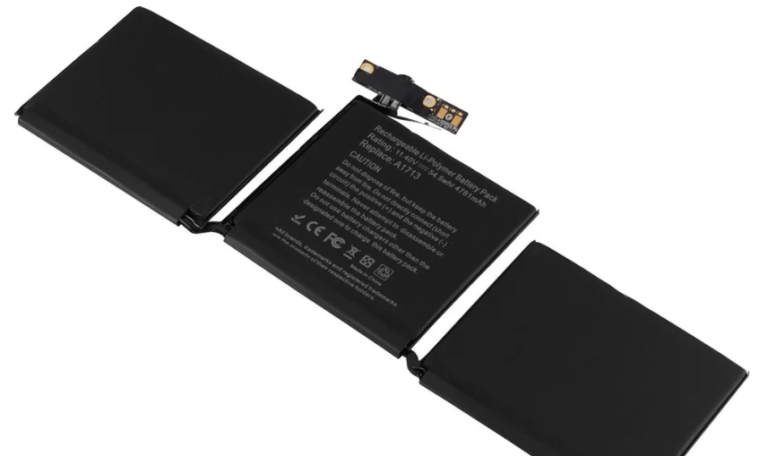
One of the most commonly replaced components in an Apple product is probably the battery.
However, this can be one of the most dangerous components if not treated with care.
Manufactures may not properly test inexpensive batteries or protect them against overheating.
This can lead to a situation of the battery heating up, swelling, and even causing a fire hazard. An inexpensive replacement can turn out to be a serious issue.
Frequently Repaired: The Cost is More
Even if the repair costs very little, soon enough, the failures can add up.
Paying multiple times for the same problem often becomes more costly than one good fix by a reputable service company.
In some cases, repeated poorly performed repairs can render the device unusable, forcing you to replace it at a high cost.
Data Security & Privacy Concerns
Unreliable repair centers may not stick to proper data privacy procedures.
Your Apple device saves personalized images, financial details, passwords, and confidential data.
Cheap repair centers may not consider customer data privacy, thus creating a risk of leakage or misuse of this data.
The cost of damaged customer data is more than that of repairs.
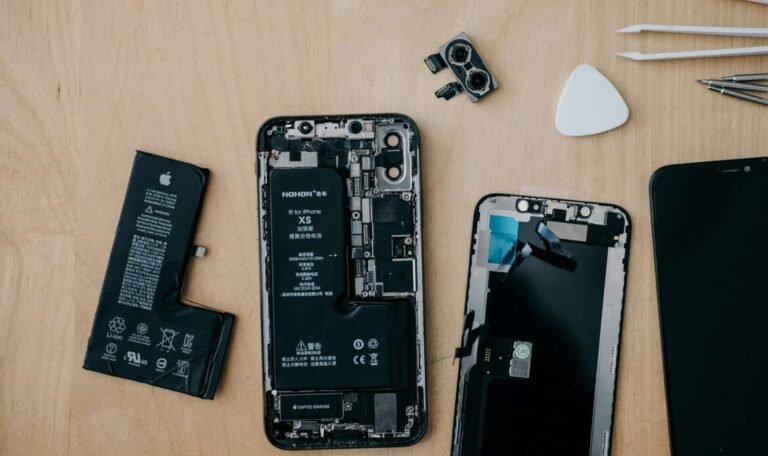
While it may seem tempting and inexpensive after initial observation, some of the negative consequences of cheap apple repair services are often not easily obvious until later times.
When repair shops use low-quality or fake parts, they create safety risks, void your warranty, and reduce your Apple device’s resale value-ultimately costing you more over time.
For the apple devices, quality repairs are not an expenditure but an investment.
Frequently Asked Questions
Why are cheap Apple repairs risky?
Cheap repairs often use low-quality or fake parts, which can reduce performance, damage internal components, and lead to repeated repairs.
Can low-cost repairs affect my Apple warranty?
Yes. Using unauthorized repair services or non-genuine parts can void your Apple warranty and AppleCare coverage.
Are non-original batteries safe for Apple devices?
Low-quality batteries may overheat, swell, or pose fire risks if they are not properly tested and certified.
Why do cheap repairs sometimes fail quickly?
Many budget repair shops focus on quick fixes rather than proper diagnostics, which can cause the same issue to return.
Can my data be at risk at local repair shops?
Yes. Unreliable repair centers may not follow strict data privacy procedures, putting your personal information at risk.