
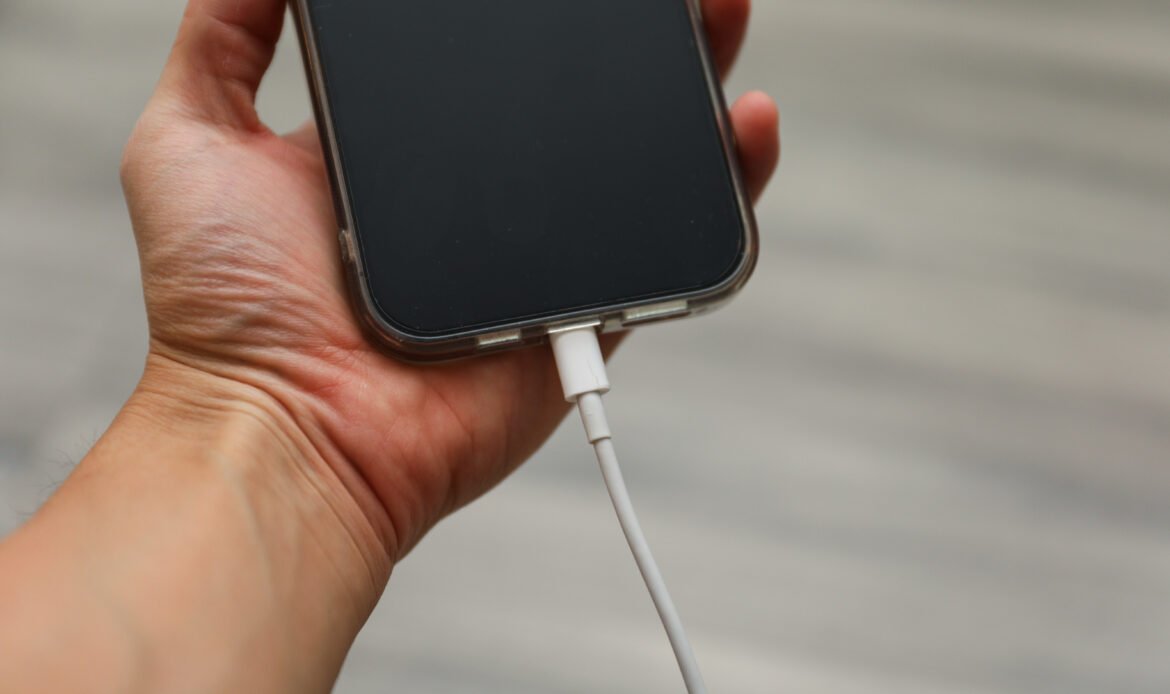
A slow charging iPhone can be frustrating, especially when you rely on your device throughout the day for communication, work, entertainment, and navigation. When your phone takes much longer than usual to charge, it can disrupt your routine and make it difficult to stay connected when you need it most. While occasional slow charging may happen during heavy usage, software updates, or when multiple apps are running in the background, consistently slow charging may indicate an underlying issue that should not be ignored. Problems such as worn out charging cables, dust in the charging port, battery health decline, or software glitches can all affect charging performance
Table of Contents
Common Reasons Your iPhone Is Charging Slowly
There are several reasons why your iPhone may charge slower than usual. One of the most common causes is using damaged or low quality charging accessories. Chargers that are not certified or compatible with Apple devices may fail to deliver the required power efficiently.
Another frequent cause is dust or lint buildup inside the charging port. Over time, small particles from pockets or bags can accumulate in the port and interfere with the connection between the charger and the phone. Software issues, outdated iOS versions, and background processes can also slow down charging by consuming system resources while the device is plugged in.
Signs That Your iPhone Has a Charging Problem
Sometimes slow charging is only one part of a bigger issue. Certain signs may indicate that your device needs attention.
- Charging takes significantly longer than before
- Battery percentage increases very slowly
- Charger disconnects easily or feels loose
- Device becomes warm during charging
- Charging only works when the cable is positioned in a certain way
These symptoms may indicate problems with the charging cable, adapter, charging port, or battery health.
Quick Fixes You Can Try at Home
Before assuming there is a major hardware problem, you can try a few simple fixes that may improve charging speed.
- Use an original or certified charging cable and adapter
- Clean the charging port gently to remove dust or debris
- Close unused apps running in the background
- Restart your iPhone to refresh system processes
- Update your device to the latest iOS version
- Avoid using your phone heavily while it is charging
In many cases, these simple steps can significantly improve charging performance.
How Charging Habits Affect Battery Performance
When Slow Charging Becomes a Serious Issue
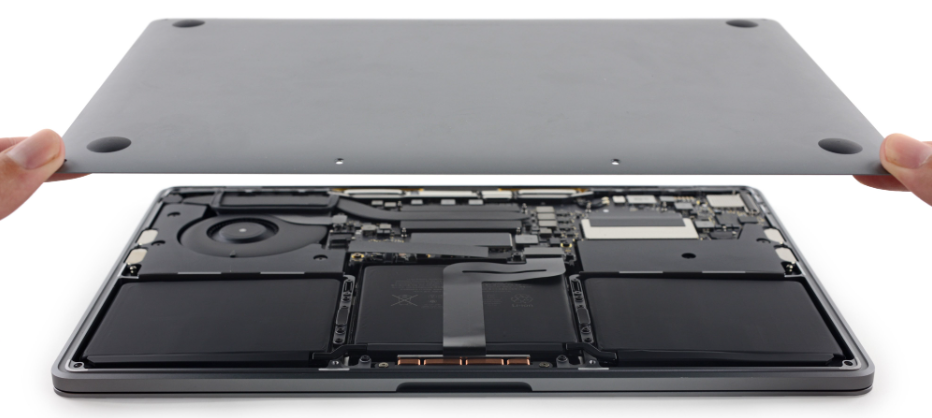
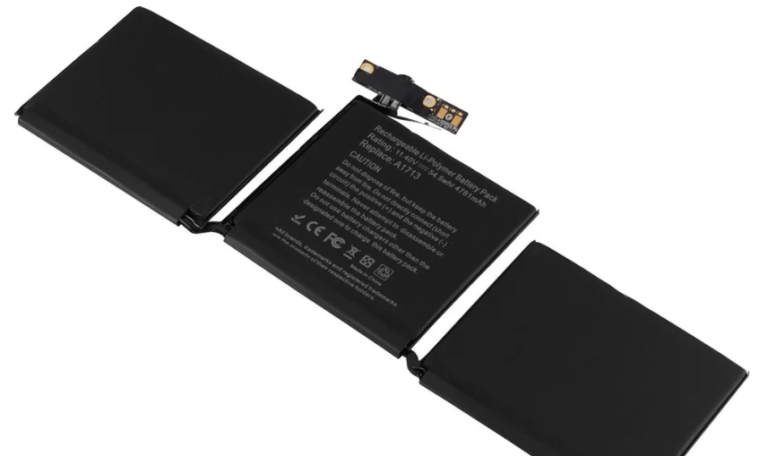
If your iPhone continues to charge slowly even after trying basic solutions, the problem may be related to battery health or internal hardware components. A worn out battery may struggle to accept power efficiently, while damaged charging ports or internal connectors can interrupt proper charging.
Ignoring these issues may lead to further problems such as overheating, sudden battery drops, or inconsistent charging behavior.